
Introduction
Somewhere between sticky notes on a wall and a full enterprise software suite, most growing businesses need something that actually fits how their team really works — not the most feature-packed option, but the one people will genuinely use every day. Choosing the best project management tools isn’t about finding the “perfect” software; it’s about matching a tool to your team’s size, workflow style, and budget. Here’s a practical breakdown for 2026.
What to Look for Before Choosing a Tool
Quick Answer: The best project management tool for your business depends less on features and more on adoption — a simpler tool your entire team actually uses consistently beats a powerful one that gets abandoned after two weeks, so prioritize ease of use and your team’s existing habits over an impressive feature list.
Before comparing tools, define your must-haves: task assignment, deadline tracking, file sharing, and reporting are the basics most small businesses actually need day-to-day.
Best Tools for Small Teams and Startups
- Trello – Visual, card-based system, extremely easy to learn, ideal for small teams managing straightforward workflows
- Asana – Slightly more structured than Trello, good for teams needing task dependencies and timeline views
- ClickUp – Highly customizable with a generous free tier, though the sheer number of features can overwhelm very small teams initially
Best Tools for Growing and Mid-Sized Businesses
Quick Answer: Growing businesses generally benefit from tools offering more robust reporting, resource management, and integration capabilities — Monday.com and Notion are commonly favored at this stage because they balance flexibility with the structure needed to manage multiple simultaneous projects.
- Monday.com – Strong visual dashboards, good for cross-team visibility, popular with marketing and operations teams
- Notion – Combines documentation, wikis, and lightweight project tracking in one flexible workspace
- Basecamp – Simplified, all-in-one communication and project tracking, popular for client-facing project management
Best Tools for Development and Technical Teams
- Jira – Industry standard for software development teams, strong for sprint planning and bug tracking
- Linear – Fast, minimal interface increasingly popular with startup engineering teams
- GitHub Projects – Useful for smaller technical teams already working within GitHub for code management
Comparing Pricing Across Popular Tools
Most tools follow a freemium model — free for small teams, then scaling per-user monthly fees as you add members and unlock advanced features. Trello and Asana offer usable free tiers for teams under 10-15 people, while Monday.com and ClickUp typically require paid plans once you need advanced reporting or automation features.
[link to related guide about time management tips for business owners here]
Integration With Other Business Tools
Whichever tool you pick, check its integration with tools you’re already using — Slack for communication, Google Drive or Dropbox for file storage, and accounting or CRM tools if relevant. Poor integration often leads to duplicate data entry and eventually, tool abandonment.
How to Get Your Team to Actually Adopt a New Tool
Quick Answer: The biggest reason project management tools fail isn’t the software itself — it’s poor adoption, usually because teams weren’t involved in choosing the tool or weren’t given a clear, simple onboarding process, so involving key team members early and starting with a genuinely small pilot project significantly improves adoption.
- Involve 2-3 team members in the tool selection process before deciding company-wide
- Run a 2-week pilot on one real project before rolling it out broadly
- Set clear, simple rules for how the tool should be used (naming conventions, update frequency)
- Assign one internal “champion” to answer questions during the transition period
Common Mistakes When Choosing a Project Management Tool
Businesses often over-engineer their setup with too many custom fields and workflows before anyone’s even used the basic version, or pick a tool based on a competitor’s recommendation without considering their own team’s actual workflow. Start simple, and add complexity only once you’ve identified a genuine gap.
FAQs
Q1: What’s the best free project management tool for a very small team? Trello’s free tier handles most small team needs well, offering unlimited cards and boards for teams under 10 people, making it a strong starting point before considering paid alternatives.
Q2: How do I choose between Asana, Monday.com, and ClickUp? Asana suits teams wanting simple task tracking, Monday.com works well for visual, cross-department project visibility, and ClickUp fits teams wanting maximum customization, though it has a steeper learning curve.
Q3: Is Notion good enough as a standalone project management tool? For small teams needing lightweight tracking alongside documentation, yes — but for complex projects with many dependencies and deadlines, dedicated tools like Asana or Monday.com typically offer better structure.
Q4: How long does it take to properly implement a new project management tool? Expect a genuine adoption period of 4-6 weeks, including team training and workflow adjustments, before the tool feels natural rather than like extra administrative work.
Q5: Do software development teams need a different tool than the rest of the business? Often yes — technical teams benefit from tools like Jira or Linear built specifically for sprint planning and bug tracking, while other departments may prefer simpler visual tools like Trello or Monday.com.
Q6: What’s the most common reason businesses switch project management tools? Poor team adoption is the most common reason, usually because the original tool felt too complex or didn’t fit the team’s actual daily workflow, leading to inconsistent usage and eventual abandonment.
Conclusion
The best project management tools aren’t defined by feature lists — they’re defined by whether your team actually opens them every day without being reminded. Start with a short pilot on one real project before committing company-wide, and choose based on simplicity and genuine fit over impressive functionality you might never fully use. Once you find the right tool, invest a little time in proper onboarding — it pays for itself many times over in reduced confusion and missed deadlines.
Suggested Image Alt Text:
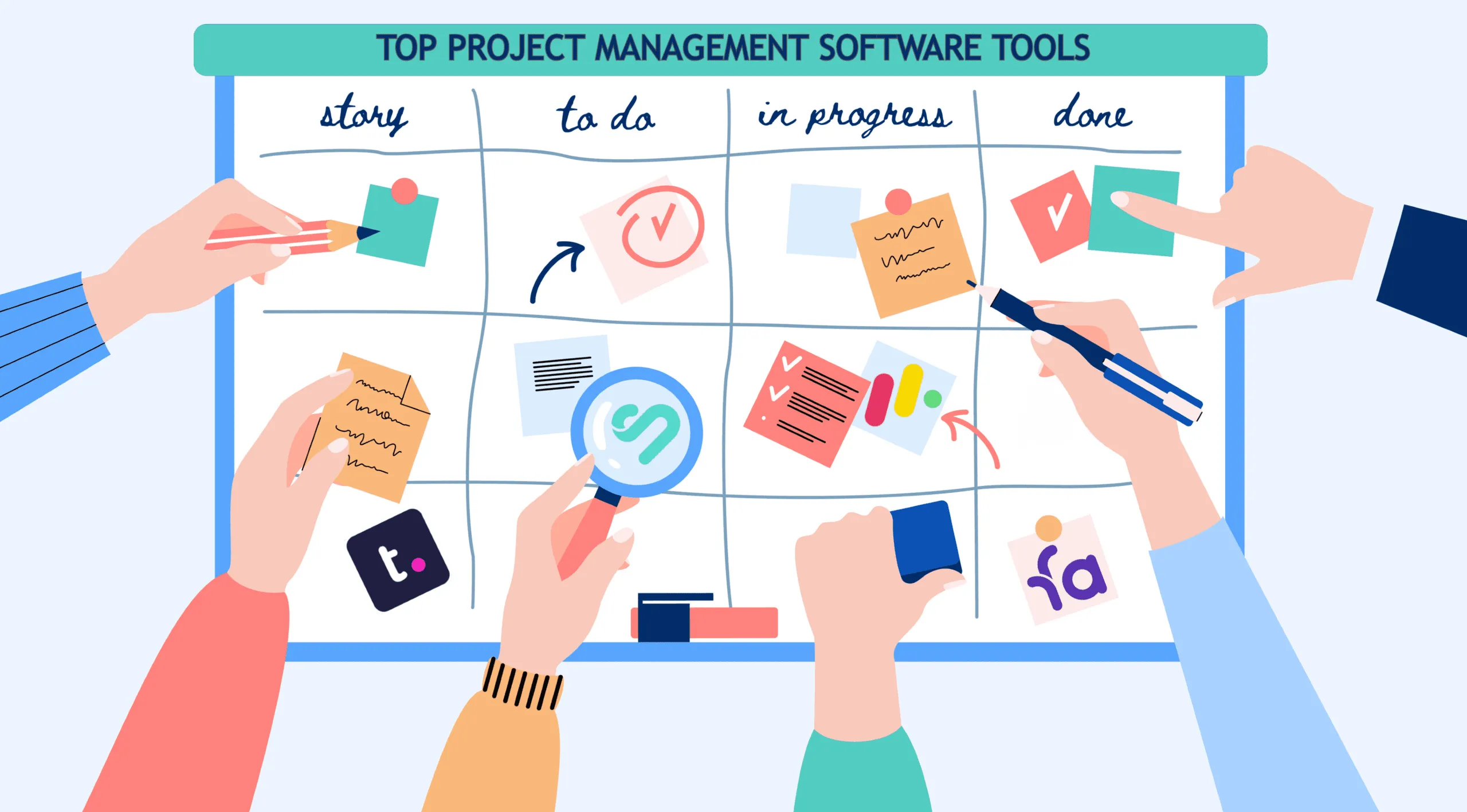
- “team using project management software dashboard”
- “comparison of top project management tools 2026”
- “kanban board task tracking on project management tool”